One screen for everything that's out.
Lend it, track it, remember it, return it. The whole loop on your phone.
Catalog the Canon. One photo, the serial, where it lives. Done.
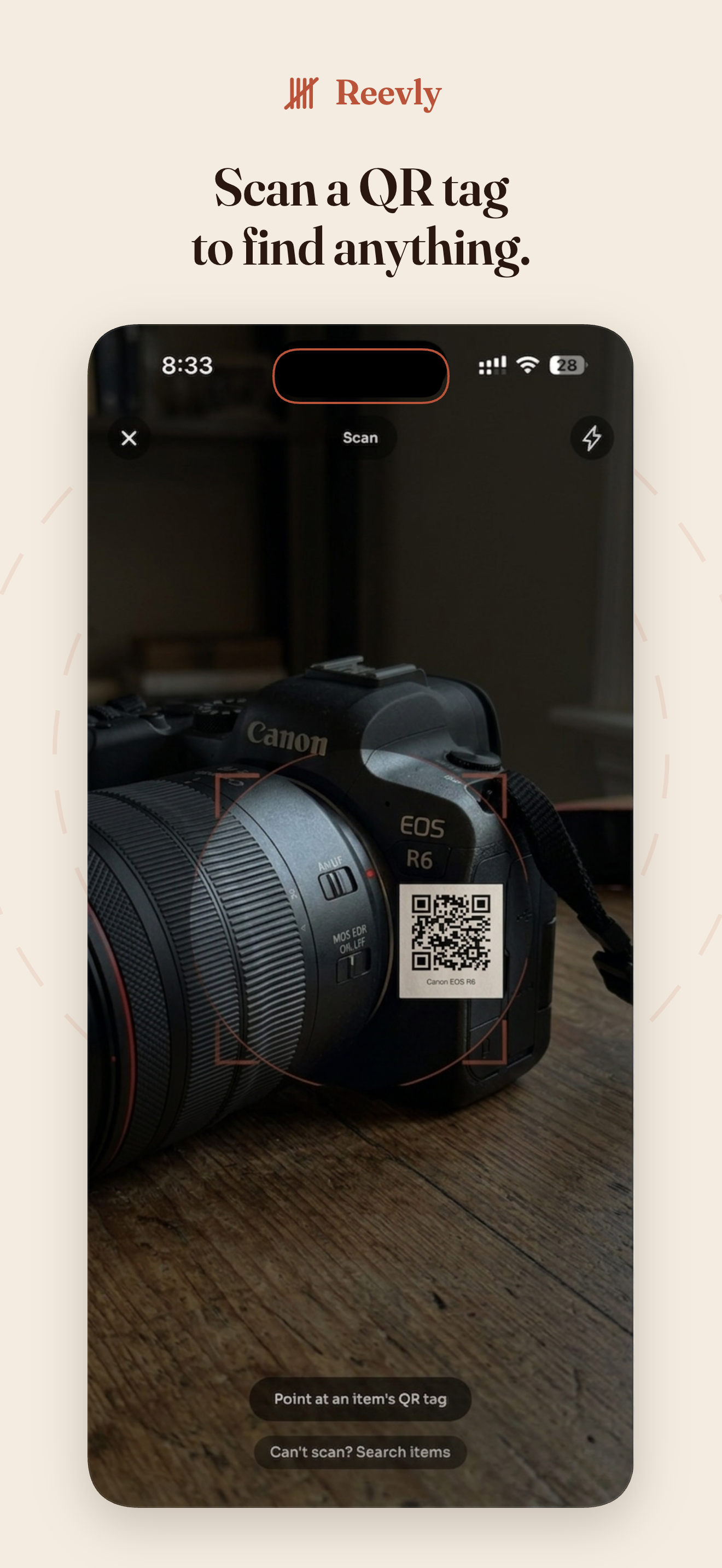
Print a QR tag straight from the app. Stick it on the camera body.
Scan the tag. Pick who's borrowing the Canon. Done. No spreadsheet.
Mark it back and the loop closes itself. Reevly keeps the receipts.
A tour through Reevly.
Eight screens. Add an item, print a QR tag, lend it in two taps, remember who has it. The whole loop on your phone.
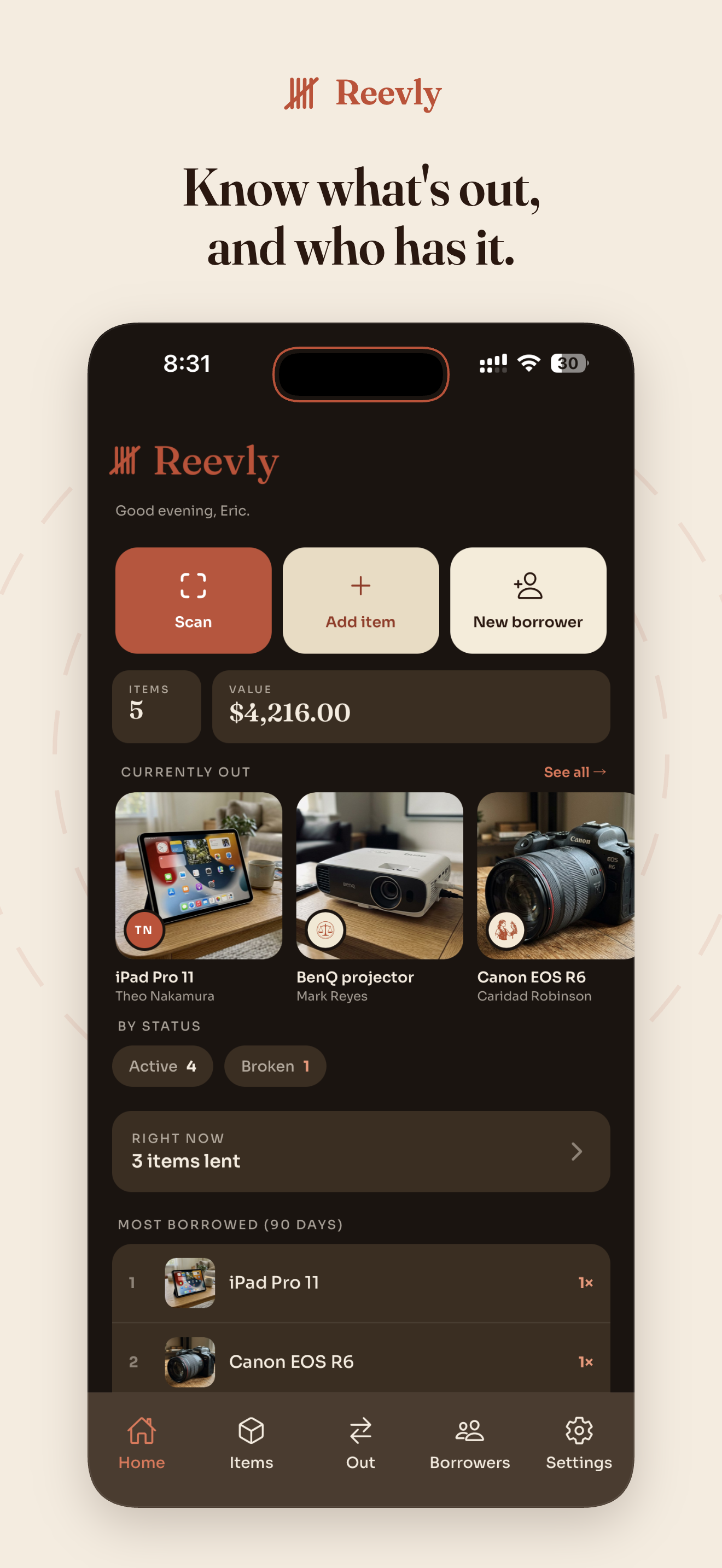
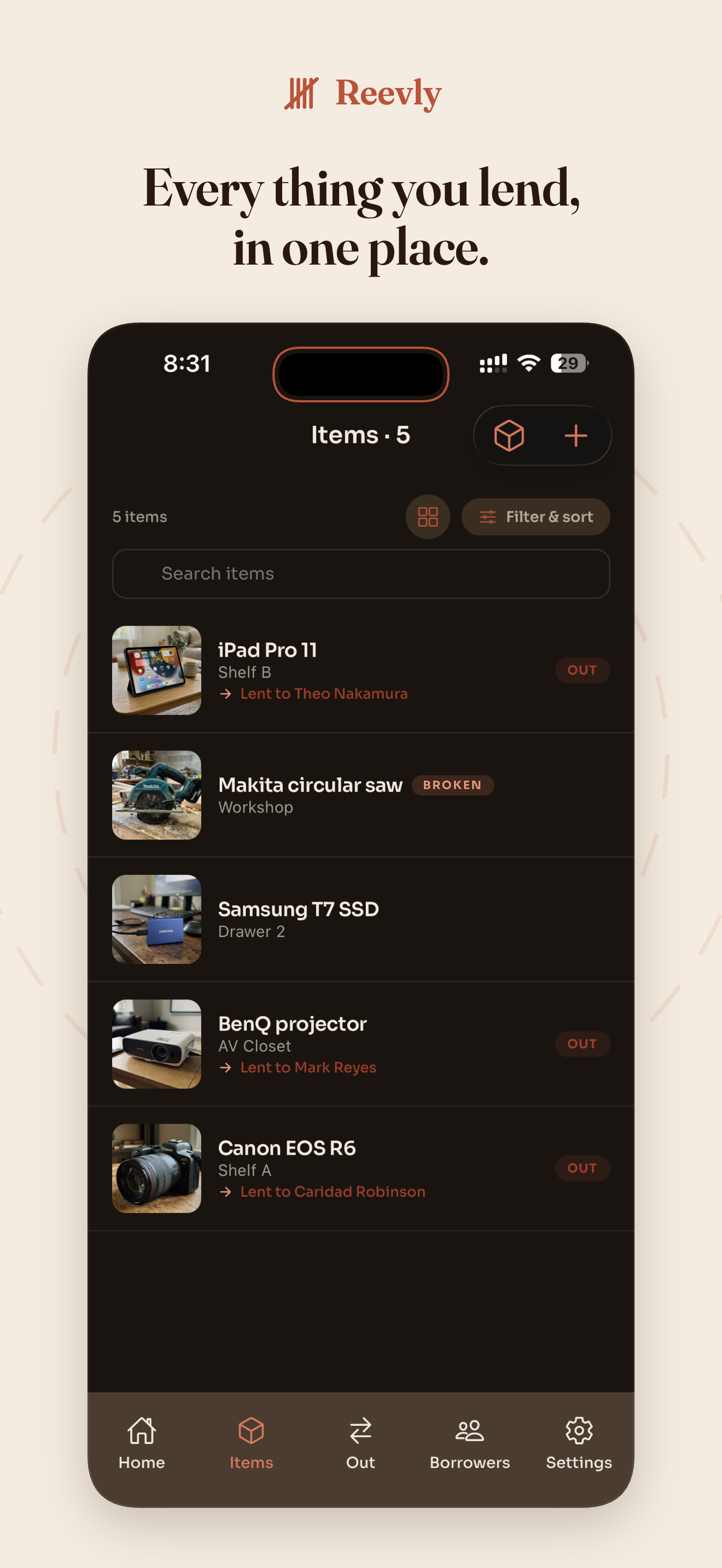
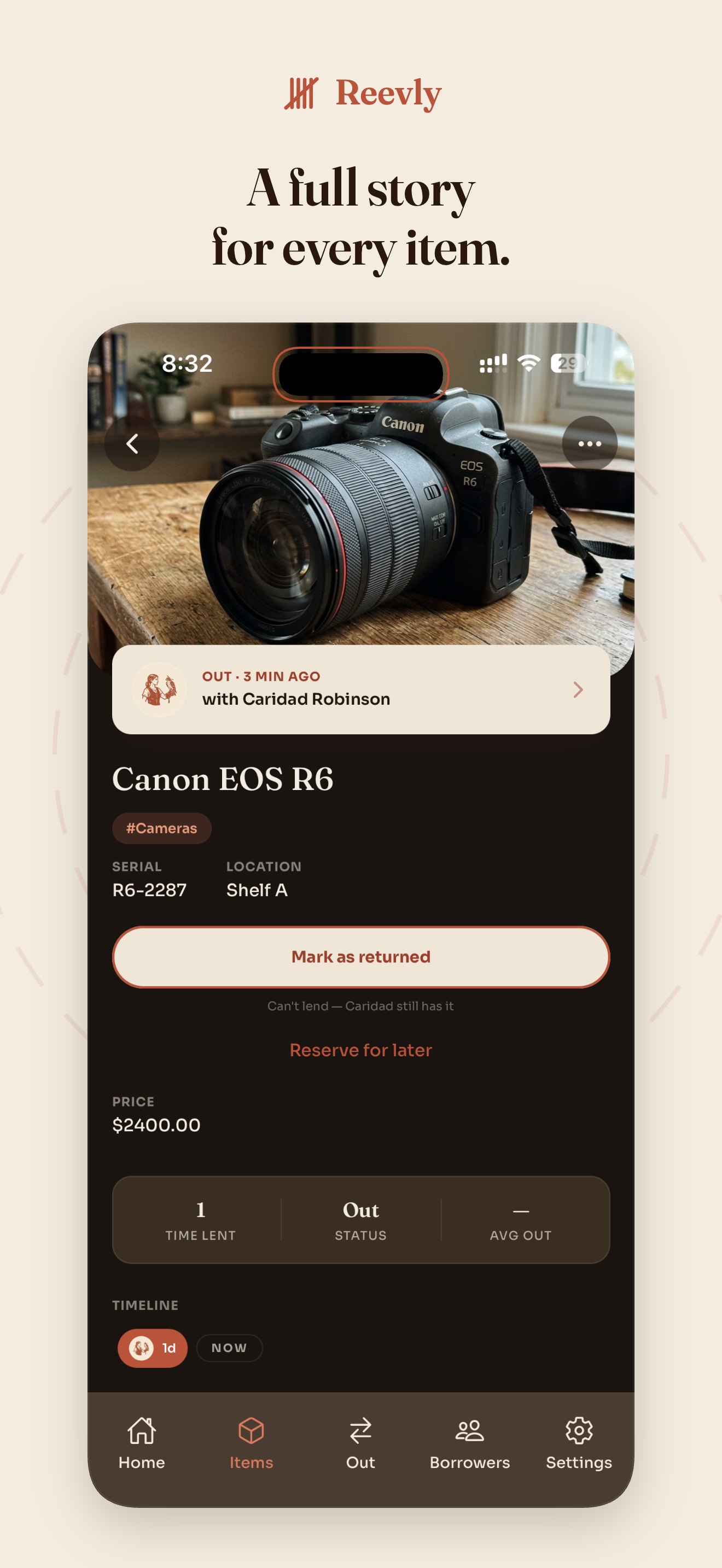
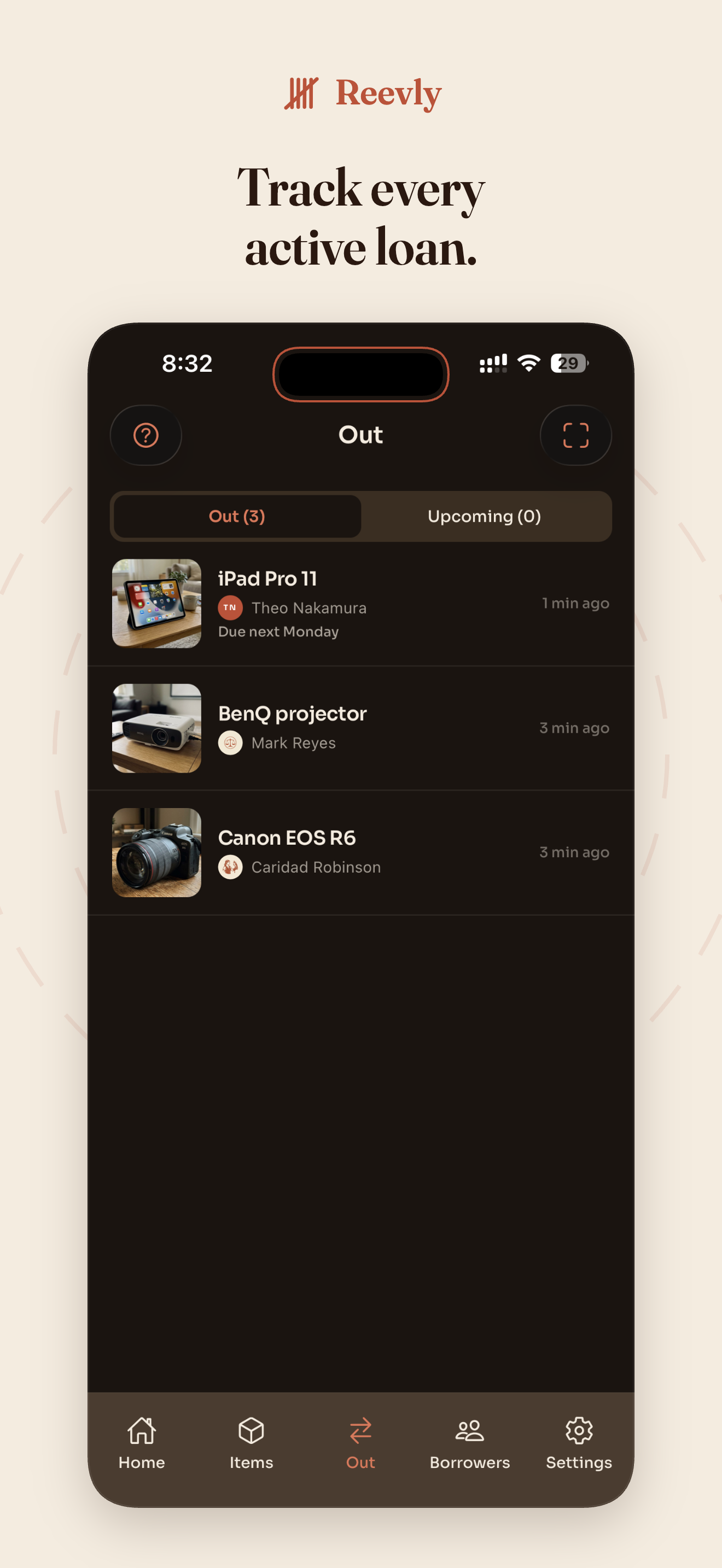
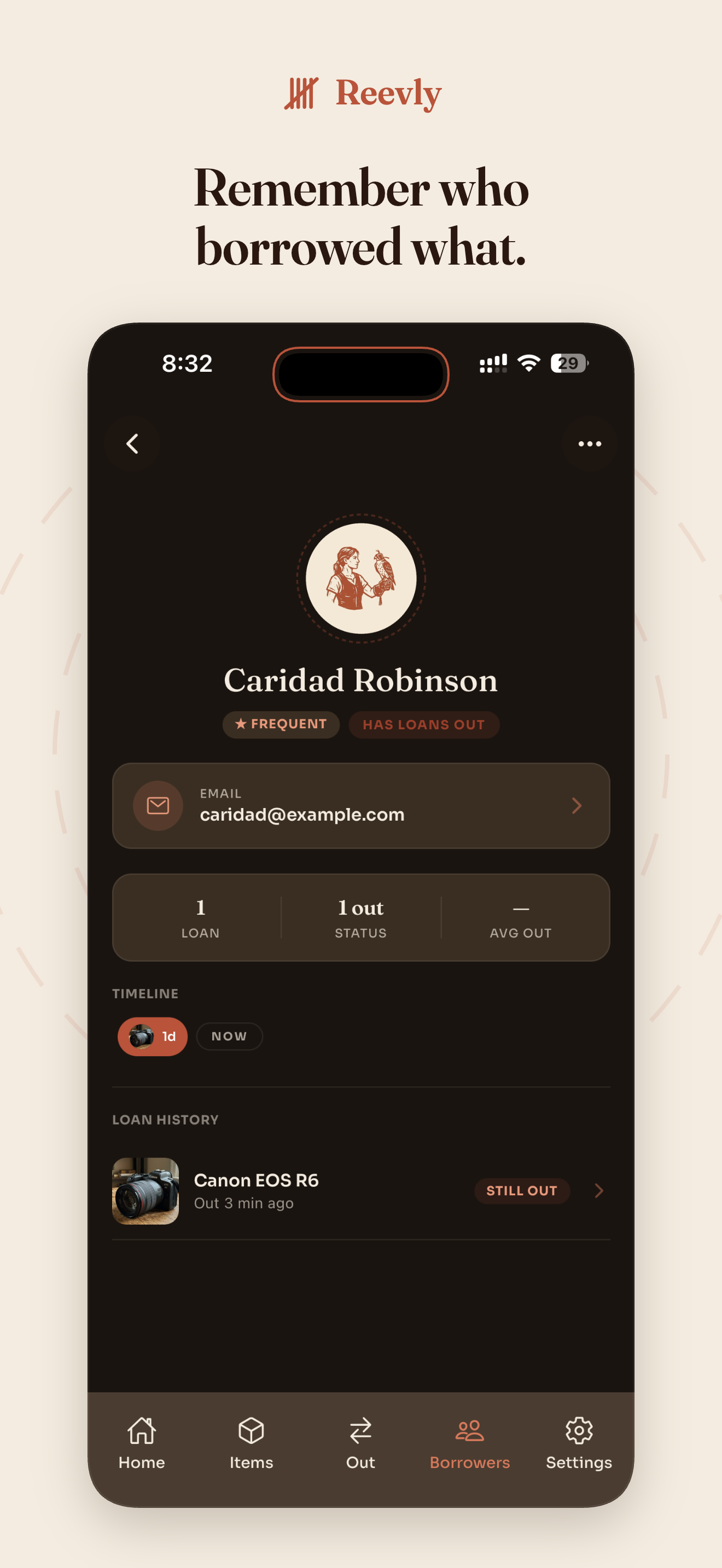
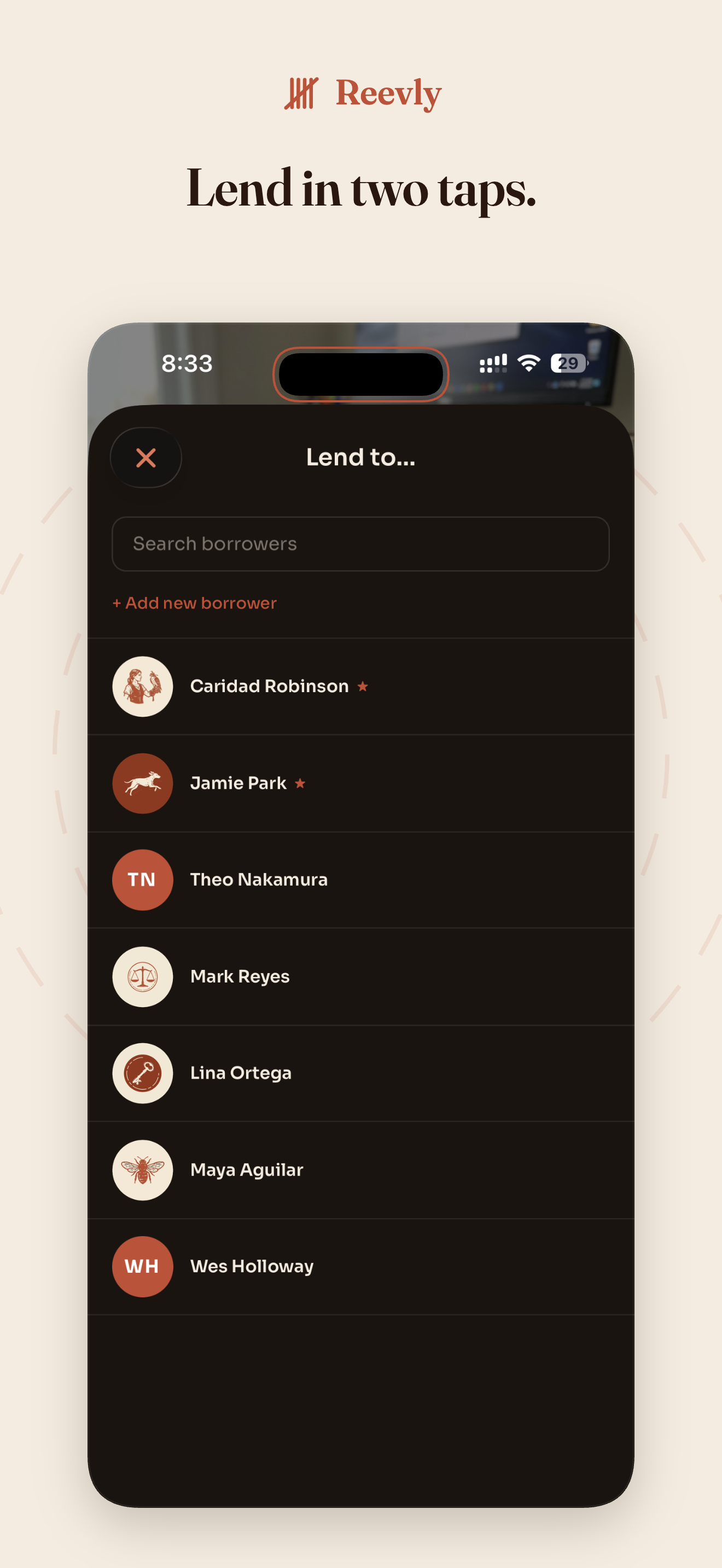
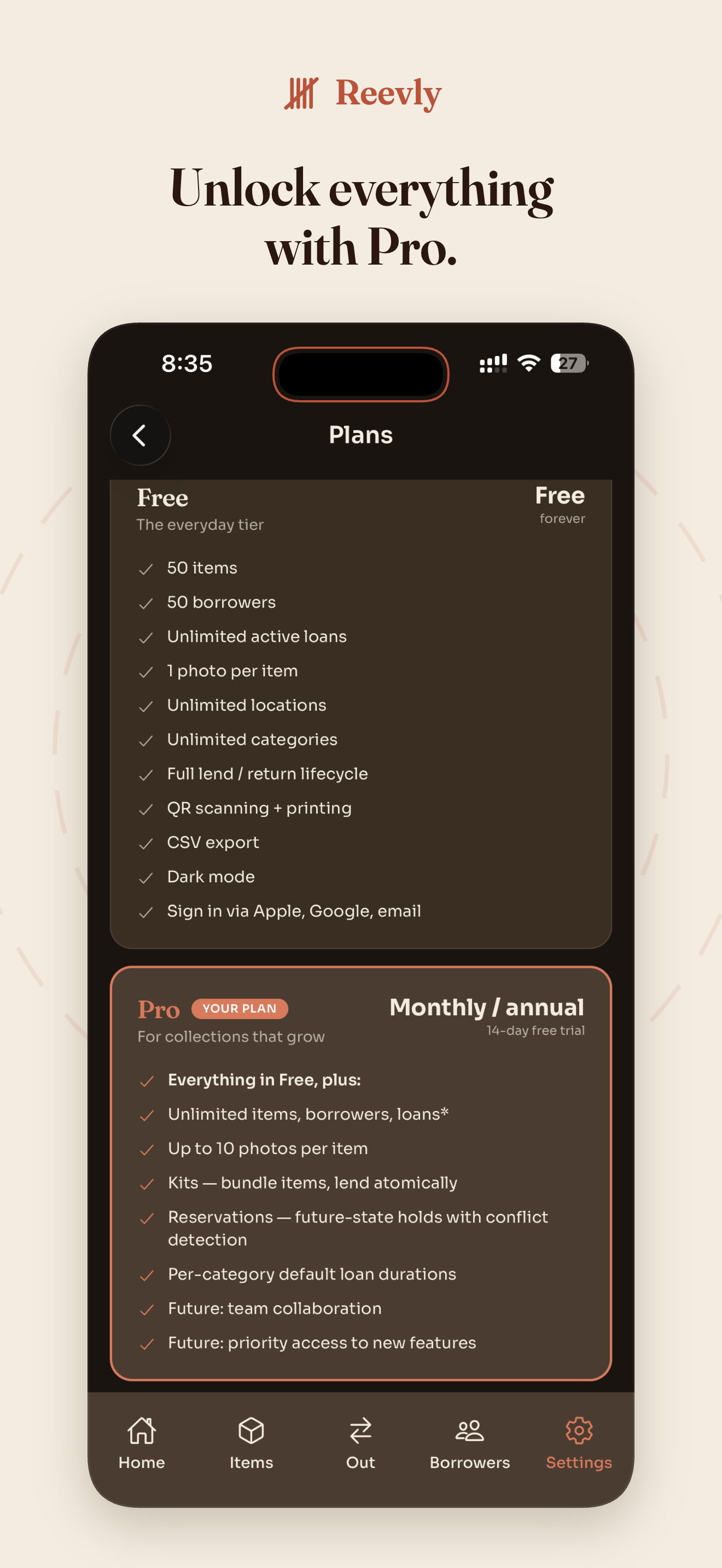
Made for the way you actually lend things.
Six very different desks. Same loop. Same plain words.
A reeve was the medieval steward of an estate —
the trusted person who kept track of everything.
They knew where every tool lived. They knew who had borrowed what, and when it was due back. They were the reason nothing got lost.
Reevly is named after them, because that's what we want it to be for you.
Printers we've tested.
Print Reevly's QR tag stickers on any standard label printer. Below is the model we've actually printed with — it works out of the box.
Niimbot B1 Portable Bluetooth Label Printer
Pocket-sized thermal label printer. No ink — just thermal label rolls. Pairs over Bluetooth with the Niimbot iOS app.
We've printed Reevly QR tags with the B1 — crisp scannable codes at standard label sizes. Quiet, fast, and the label rolls last a long time.
Disclosure
Reevly is not affiliated with Niimbot or any printer manufacturer. We've personally printed Reevly QR tags with the model above and it worked well. The buy links are affiliate links — we may earn a small commission if you purchase through them, at no extra cost to you.
What can I track on each item?
Name and photo, then as much or as little detail as you want: serial number, price, location, notes, status (active / lost / broken), quantity, and any categories you've added. The only required field is the name.
Can I organize by location and category?
Yes to both. Locations live in their own list (Garage shelf 2 · Studio cabinet B · Office storage), and categories are tags you can apply to as many items as you want — Cameras, Audio, Tools. Each category can carry a default loan duration too, so snorkel gear defaults to 1 day and banners to a week.
Does Reevly track who I lent it to?
Yes. Every loan is tied to a borrower — a name (and optional contact info) you keep for yourself. The borrower doesn't need a Reevly account.
How do the QR tags work?
Print them straight from the app on any home printer. Stick one on the item. Scan to lend or return — the code on the tag is the item's identity. You can also lend an item directly from its detail screen if a tag doesn't suit the thing.
Can I see reports?
The Out tab is your live what's-out-now / who-has-it / what's-overdue view. Every item carries its full loan history; every borrower has theirs. CSV export and PDF summaries are available too — share a loan log with a co-op, hand a borrower a printable receipt.
What if I lose my phone?
Your items, borrowers, and loan history live on our servers. Sign in on a new iPhone and pick up where you left off — the tags on your stuff still work.
Will it work on Android?
Reevly is live on the App Store today, iPhone-first while we polish the experience. Android is on the roadmap.